Explore Beijing / Installing and Verifying WeChat Desktop Before You Land in Beijing
Installing and Verifying WeChat Desktop Before You Land in Beijing
WeChat is China's all-in-one app for messaging, payments, and QR codes. Here's how to install, verify, and test the desktop version before your trip so nothing breaks on arrival.
6 min read · KOULING's Beijing Travel Guide
If you install one app before flying to Beijing, make it WeChat (微信, Wēixìn). Locals use it for texting, voice calls, mobile payments, ordering food, hailing taxis, and scanning QR codes everywhere from subway gates to street stalls. The desktop version is handy, but it has one quirk that surprises many first-time visitors: you cannot register a new account from the desktop app. You must create your account on the phone app first, then link desktop to it. Do this at home, with your home phone number and Wi-Fi, and you'll sidestep most of the pain.
Why WeChat Desktop Matters (and Its Limits)
The desktop app is great for long messages, sharing photos from your laptop, and reading group chats on a bigger screen. But understand its limits before you rely on it: desktop WeChat is a companion to your phone, not a standalone account. [verify before travel] Features differ slightly between the Windows and macOS versions, and some functions (like certain payment options) are more complete on mobile. Plan to keep your phone as your primary WeChat device in China, with desktop as a convenience.
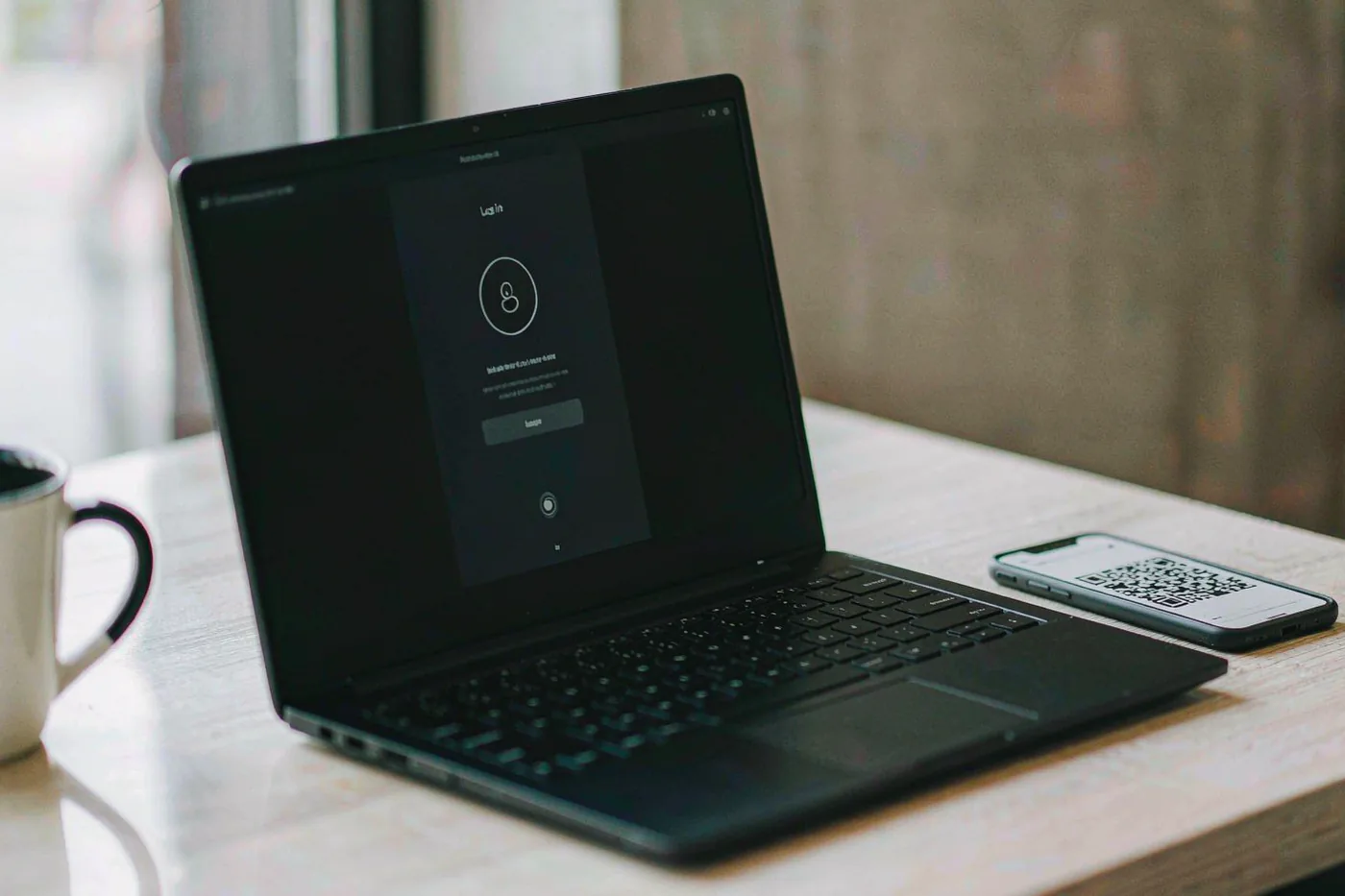
Desktop requires the phone app — You log in to desktop by scanning a QR code with your phone's WeChat. No phone login means no desktop session.
You cannot register on desktop — New accounts must be created in the mobile app with a phone number that can receive an SMS code.
Payments live mostly on mobile — WeChat Pay works best through the phone app linked to a card. Desktop is mainly for messaging and files.
Step-by-Step: Install and Link Desktop
Follow this order and the whole process takes about 15 minutes. Do it a week or two before departure so you have time to fix any verification hiccups.
1. Set up WeChat on your phone first — Download from the App Store or Google Play, register with your phone number, and complete SMS verification. [verify before travel] Some registrations prompt you to have an existing WeChat user scan a QR code to confirm you're human — if so, ask a friend or colleague who already uses WeChat.
2. Download the desktop app from official sources only — Get it from weixin.qq.com or the Microsoft Windows/Mac App Store. Avoid third-party download sites.
3. Open desktop WeChat and scan the QR code — The desktop app shows a QR code; open WeChat on your phone, tap the '+' icon, choose Scan, and confirm the login on your phone.
4. Verify your account is fully active — Send a message, join a test group, and make sure your phone number is confirmed in Settings. A half-verified account may fail at login abroad.
Setting Up WeChat Pay (Do This Too)
WeChat Pay is how you'll pay for nearly everything in Beijing — many small vendors no longer take cash or foreign cards. [verify before travel] Requirements and card acceptance change periodically, so check the current rules before travel. In general, you can link an international Visa, Mastercard, or similar card in the phone app under Me → Services → Wallet, though some features require identity verification with your passport photo. International cards typically carry small transaction fees on tiny purchases and may not work for every merchant type, so keep some cash (around 200–500 CNY, roughly USD 30–70) as a backup. Test a small payment at home or immediately on arrival to confirm your card works.
Link your card before departure — Adding a card is easier with stable home internet and time to fix errors. [verify before travel] Confirm your card issuer allows payments in China.
Have your passport handy — Identity verification may ask for a clear photo of your passport. Do it once and payments unlock.
Keep cash as a fallback — A few hundred CNY (about USD 30–70) covers taxis, small eateries, and any card hiccups.
Testing WeChat at Beijing Daxing Airport (PKX)
Daxing Airport is where many international flights land, and it's your first real test of WeChat on the ground. Free airport Wi-Fi usually requires a Chinese mobile number or WeChat scan to log in — a good early workout for the app. Use WeChat to check your airport transfer, message your hotel, and pay for a coffee to confirm payments work.
Metro
Daxing Airport Express line; confirm the current transfer points on the official Beijing Subway site [verify before travel]
Opening hours
Airport operates roughly 24/7; shops and services vary by flight schedule [verify before travel]
Tickets
Airport Express fare depends on distance, roughly 10–35 CNY (about USD 1.50–5); buy via WeChat mini-program or at station machines [verify before travel]
How long
Allow 60–90 minutes from landing to airport train, including immigration and baggage
First WeChat Pay Test: Wangfujing Snack Street
Once in the city center, Wangfujing is a forgiving place to test mobile payments — every stall takes QR codes, staff are used to tourists, and it's walkable from central hotels. Scan a vendor's QR code, pay for a snack, and you'll have mastered the skill you'll use hundreds of times this trip.
Metro
Line 1 or Line 8 to Wangfujing Station; confirm the current exit for the pedestrian street [verify before travel]
Opening hours
Pedestrian street open all day; food stalls busiest from late morning to evening, roughly 10:00–22:00 [verify before travel]
Tickets
Free to enter; individual snacks typically 10–40 CNY (about USD 1.50–6)
How long
1–2 hours
Backup Testing Ground: Sanlitun Taikoo Li
Sanlitun's shopping district is the most international part of Beijing, with staff who speak English and WiFi that's easy to join. If any WeChat feature misbehaves elsewhere, this is a comfortable environment to troubleshoot — and large stores accept international cards directly if WeChat Pay fails.
Metro
Line 10 to Tuanjiehu or Agricultural Exhibition Center; confirm the closest exit to Taikoo Li [verify before travel]
Opening hours
Most shops roughly 10:00–22:00; restaurants later [verify before travel]
Desktop won't log in abroad — Log in once at home first. If it fails overseas, log out and back in on your phone app, then rescan the desktop QR code.
Verification code never arrives — Check that your phone can receive international SMS while roaming. [verify before travel] Confirm roaming is enabled with your carrier before you fly.
VPN considerations — WeChat works in China without a VPN, but many Western apps (Google, WhatsApp, Instagram) are blocked. If you use a VPN, install and test it before departure — downloading one inside China is unreliable.
Keep a second contact method — Exchange WeChat details with your hotel and one travel companion, and carry your hotel's address card in Chinese for taxi drivers.