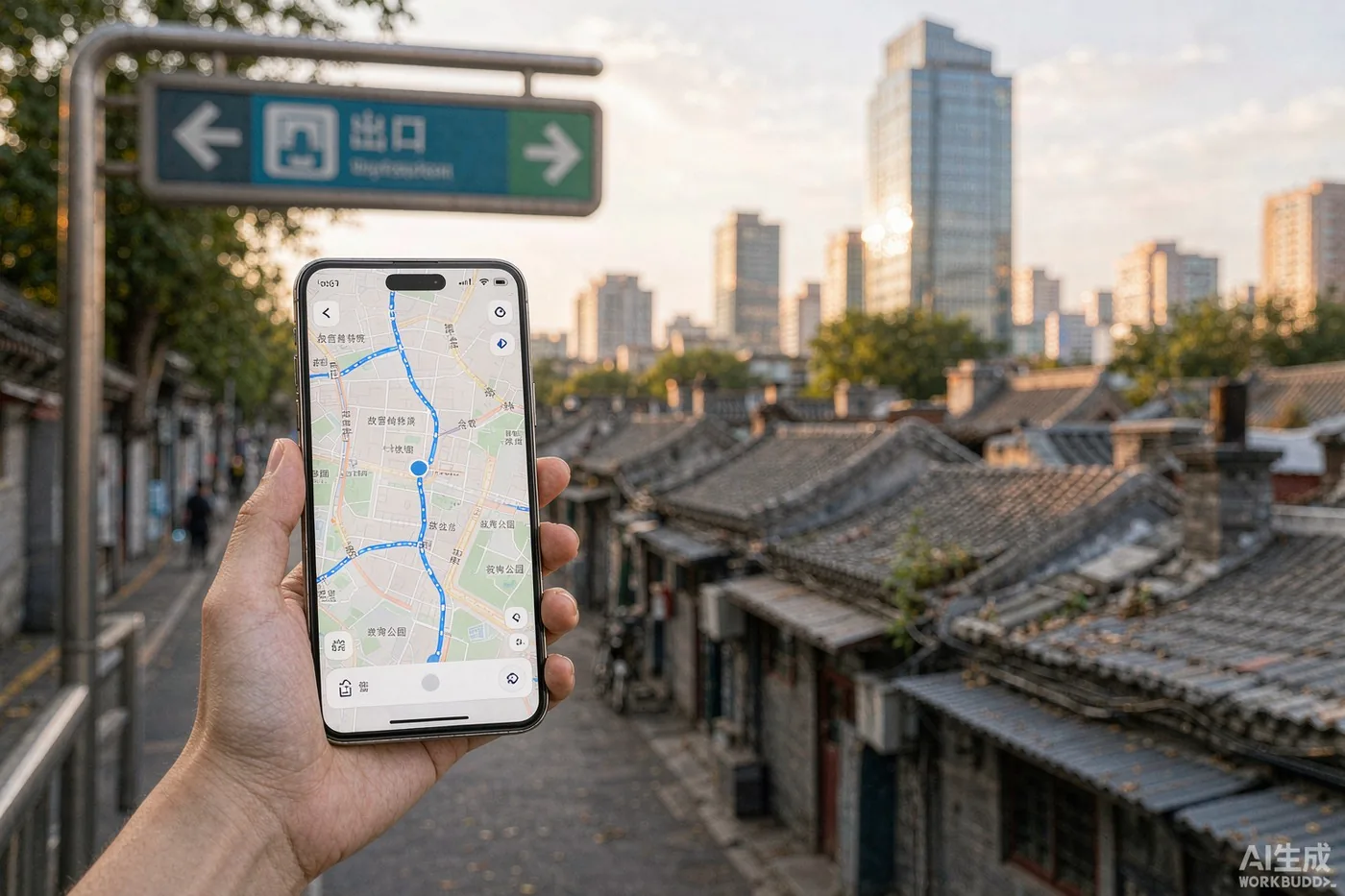
Explore Beijing / Maps and Navigation in Beijing: Amap, Apple Maps, and Why Google Maps Lets You Down
Maps and Navigation in Beijing: Amap, Apple Maps, and Why Google Maps Lets You Down
Why your phone's map is off by hundreds of metres in Beijing, which app to actually use, how to search a city whose addresses you cannot read, and how to find the right metro exit.
9 min read · KOULING's Beijing Travel Guide
Beijing is a city of ring roads, more than 400 metro stations, and hutong lanes that Google has never surveyed properly. The single highest-leverage thing you can do before you land is install the right map app — and understand why the one already on your phone is about to mislead you. This guide covers which app to use for what, how to search a city whose addresses you cannot read, and how to get from the metro station to the actual door.
Why Google Maps lets you down here
Two separate problems, and neither is fixed by a VPN. First, the coordinate system: mainland China requires all published maps to use GCJ-02, a deliberately offset datum often nicknamed 'Mars coordinates', while GPS and the rest of the world use WGS-84. The shift is non-linear and typically tens to hundreds of metres. Your blue dot lands in the middle of a block, or in the lake. Second, the data itself: Google's China listings have not kept pace with new roads, new metro lines, or businesses that closed years ago. Metro exits — the one detail you most need — are largely absent.
The coordinate offset — GCJ-02 vs WGS-84 — your pin shifts tens to hundreds of metres, and not in any consistent direction
Stale listings — restaurants that closed years ago, missing metro lines, outdated transit routing
No metro exits — the single detail that decides whether you walk 200 metres or 800
A VPN does not fix accuracy — a VPN restores access, not correctness — you get an old map with a wrong pin
The three apps, and what each is actually good at
You do not need five map apps. You need Amap as your primary and one English-language backup for the moments when the Chinese interface beats you.
Amap (Gaode Maps / 高德地图) — your primary — the best metro-exit detail, bus arrival estimates, live traffic and lane-level driving navigation. The interface is Chinese-first; English support has been expanding, so check what your build offers
Apple Maps — the best English backup on iPhone — its mainland China map data comes from Amap, so the geometry is correct and it works without a VPN. Weaker on metro exits and live traffic detail
Baidu Maps (百度地图) — strongest for reviews, user photos and indoor or 3D views of malls and big stations. It uses its own BD-09 coordinate system — never paste a Baidu coordinate into Amap
AMAP Global — an English-first Amap build with integrated ride-hailing exists, but its mainland detail is thinner than the domestic app. Verify the current app-store listing before you rely on it for navigation
Set Amap up before you land
Do all of this on home Wi-Fi, the night before you fly. Every minute spent configuring the app in an arrival hall is a minute you are not clearing immigration.
Install it at home — search 'Amap' or 'Gaode Maps'; the Android package is com.autonavi.minimap. Download before departure, not on airport Wi-Fi
Switch to English where offered — profile tab → gear icon (settings, top right) → general settings → language → English. Menus translate; many business names stay in Chinese
Leave Wi-Fi switched on — GPS alone drifts badly between tall buildings. Wi-Fi scanning sharpens the location fix considerably, even if you never connect
Grant location access 'always' — background location is what lets the app re-anchor you the moment you surface from an underground station
Download the offline Beijing map — under offline maps in the profile tab. Screenshots of your key routes are an additional zero-data fallback
Searching a language you cannot read
This is the step that trips most visitors up, and the fix is boringly simple: never type an address — always paste a Chinese name.
Copy the Chinese name from your booking — Trip.com, Ctrip and Meituan listings all show the Chinese name and address. Long-press, copy, paste into the search bar
Famous places do work in English — 'Forbidden City', 'Beijing South Railway Station' and 'PEK' usually resolve. Small noodle shops and guesthouses almost never do
Pinyin is a decent fallback — when the English string fails, try 'beijing nan zhan' — it will often find Beijing South Station
Save it, do not re-search it — star your hotel, the day's sights, and one landmark per district. Favourites work offline and save you retyping on a street corner
Screenshot the route once — a static image of the walking leg survives a dead battery, lost signal and an app restart
Metro exits, transfers and the last 300 metres
Beijing's metro will get you within a few hundred metres of almost anything. Those last few hundred metres are where visitors lose time, and Amap is the only app that reliably tells you which exit to take before you go down the stairs.
Check the exit letter before you descend — Amap labels exits A, B, C, D and often flags which one has the escalator or lift. Choosing wrong at a big interchange can easily add ten minutes
Use transit mode, not driving mode — Amap's transit routing gives you the walking legs, transfer points and bus arrival estimates as one plan
Follow the blue line, not the road name — hutong lanes rarely match what a ride-hailing app calls the street. Walk the route on screen
Budget extra time for big interchanges — allow 10–15 minutes for the walk out of the largest stations alone, before you add any onward travel
When Amap and Dianping disagree on opening hours
Opening hours are the most common reason a carefully planned day collapses. Amap pulls hours from its own business database; Dianping (大众点评, China's Yelp equivalent) carries user reports and photos; Meituan often shows a booking window. They disagree regularly, especially for venues that have not updated their listing after a renovation or a seasonal change.
Cross-check before a special trip — if a venue is the reason you are crossing town, confirm on two apps, and check whether the venue runs its own official account with posted hours
Museums and major sights are different — they publish official hours and booking rules — trust those over any map listing
Monday is the classic trap — a number of major museums and imperial sites close weekly rather than seasonally. Verify the day of the week, not just the date
When in doubt, arrive at the safest hour — late morning on a weekday avoids both the not-open-yet and the closed-for-lunch surprises
Handing a driver the right address
Taxi drivers navigate by landmark, not by street number. Amap solves this for you if you use it the right way.
Show the pin, not the words — open the destination in Amap and show the driver the screen. A picture of a location beats any transliteration
Name the nearest big landmark — 'the north gate of X' or 'opposite the ABC mall' works better than a hutong address
Set the pickup point explicitly — in ride-hailing, drag the pin to the exact corner. On wide ring roads the default pin often lands on the wrong side of a six-lane avenue
Watch for the blue dot drifting — in dense CBD blocks GPS bounces. If the pickup looks wrong, cancel and re-pin rather than waiting and calling
Offline maps, data and battery
Navigation is the heaviest thing your phone does all day. Plan for it the way you would plan for a long-haul flight.
Download the city before you fly — offline maps sit in the profile tab. Without data, routing degrades, but the map and your saved pins still work
Live features need a connection — real-time traffic, transit arrival times and ride-hailing all need data. A travel eSIM or local SIM covers it cheaply
Carry a power bank — turn-by-turn walking navigation plus a camera is the fastest battery drain of any travel day. Note that domestic flights require power banks to carry a visible 3C (CCC) certification mark — check yours and the current rules before you fly
Keep one offline backup — a screenshot of your hotel's Chinese name and address will still get you home with a dead phone
Mistakes that cost the most time
Almost every navigation failure visitors report in Beijing reduces to one of these five.
Trusting Google Maps for the last 500 metres — fine for 'which part of the city', useless for 'which doorway'
Typing addresses in English — paste the Chinese name instead — two seconds of work that removes the failure mode entirely
Not checking the metro exit — the difference between exit A and exit C at an interchange is often a ten-minute walk around a fence
Mixing Baidu and Amap coordinates — different coordinate systems — a Baidu coordinate dropped into Amap lands in the wrong place
Assuming the listing is current — cross-check hours on a second app before you commit to a long cross-town trip
Related Beijing guides
If you found this useful, these cover the next question most visitors ask: