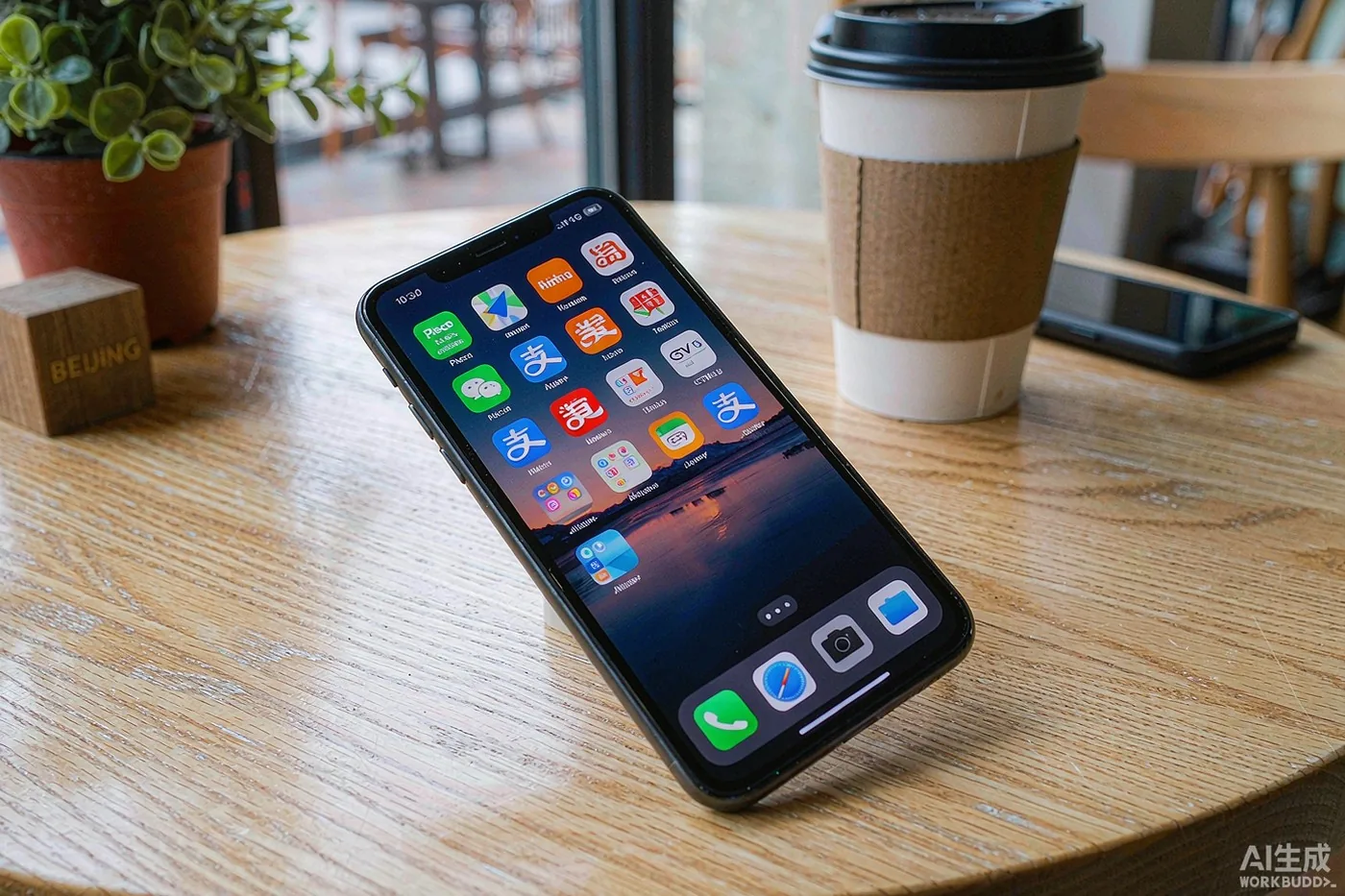
The apps that actually matter in China — messaging, maps, payments, ride-hailing, trains and translation — and how to set them up before you lose internet.
Most day-to-day life in China runs inside a handful of apps that do not exist in the West. Download and set them up before you leave home — because once you are on Chinese mobile data, you may not be able to fetch the very app you suddenly need. Here is the short list that actually matters.
WeChat is the all-purpose messenger (and much more); Alipay is the payment and services hub. Both now let foreigners verify with a passport and link an international Visa, Mastercard or JCB card. Do this at home on normal internet, not after you land on Chinese Wi-Fi. See our paying-in-China guide for the exact steps.
Amap (Gaode Map) is the map to use in China — it has the best routing, metro lines and walking directions. Baidu Maps is a decent alternative. Google Maps is unreliable on the mainland, and Apple Maps is patchy, so do not rely on them for navigation.
Didi is China's ride-hailing app and the easiest way to get a car without waving on the street. Download it and register with your phone number before you arrive, then link a payment method. It supports international cards in the app, and you can type or pin a destination — handy when the driver does not speak your language.
Trip.com (the international version of Ctrip) lets you book high-speed trains, hotels and flights in English with international payment — the most foreigner-friendly option. The official railway app 12306 is cheaper but requires a Chinese phone number and real-name verification, so most visitors start with Trip.com.
Meituan (and its rival Ele.me) deliver food, groceries and everyday services to your door. The apps are mostly in Chinese, but Alipay's mini-programs and Trip.com cover a lot of the same ground in English. Worth having for late-night food or a rainy-day delivery.
Pleco is the go-to offline Chinese–English dictionary and works without data. For live camera or voice translation, Baidu Translate or Tencent Translate handle Chinese well. Download offline language packs while you still have unrestricted internet.
Google, Gmail, WhatsApp, Instagram, Facebook and YouTube are restricted in mainland China. Plan to use WeChat for messaging and the local apps above for everything else; for an honest discussion of connectivity and VPNs, see our internet-in-China guide.
If you found this useful, these cover the next question most visitors ask:
Both Alipay and WeChat Pay now accept Visa and Mastercard linked directly to a foreign card, so most visitors no longer need a Chinese bank account. Expect a small fee (roughly 3%) on transactions above a threshold, and know that card linking can fail if your app version or phone region settings are off — do this at home, not in an airport queue. A few small vendors, especially market stalls and some taxis, still prefer cash, so carry a few hundred yuan in small notes; you can change money at Bank of China branches with your passport. Note that foreign cards generally cannot be used to top up a Chinese mobile number easily, and some in-app purchases (shared bikes require a deposit on some services) behave differently for overseas cards — check in-app before relying on them.