Explore Beijing / OnePlus Phones Without eSIM: Model List and Your China Connectivity Options

OnePlus Phones Without eSIM: Model List and Your China Connectivity Options

If your OnePlus phone lacks eSIM support, getting online in China takes a little planning. Here's which models to check and the practical workarounds that actually work.

6 min read · KOULING's Beijing Travel Guide

OnePlus Phones Without eSIM: Model List and Your China Connectivity Options

Many travelers now rely on eSIMs to get instant data abroad, so discovering that your OnePlus phone doesn't support one can feel like a last-minute crisis. The good news: China is arguably the easiest place to deal with this, since physical SIM cards are cheap, widely sold, and often available right at the airport. Here's how to figure out whether your model has eSIM, and what to do if it doesn't. [verify before travel]

Which OnePlus Phones Have eSIM — and Which Don't

eSIM support on OnePlus varies by model and, importantly, by region. Some models sold in the US or Europe include eSIM, while the same number sold in China or India may not. As a rule of thumb: many recent flagship OnePlus models (from the 11 series onward) offer eSIM in Western markets, while most older models and most units purchased in mainland China do not. Check on your phone before you fly: go to Settings, then SIM Manager or Network & Internet, and look for an 'Add eSIM' option. If you don't see it, plan around a physical SIM. Because availability changes with software updates and regional variants, confirm your exact model number on OnePlus's official site. [verify before travel]

  • Check your model number — Find it in Settings, then About Phone. Match it against the spec sheet on OnePlus's official website for your region — not a reseller listing. [verify before travel]
  • Settings test — If there is no 'Add eSIM' option in SIM settings, your unit doesn't support it, even if online guides say the model does. [verify before travel]
  • China-bought phones — OnePlus units sold in mainland China generally lack eSIM and may lack Google services out of the box. If you bought yours there, expect to rely on a physical SIM. [verify before travel]

Option 1: Buy a Physical SIM Card

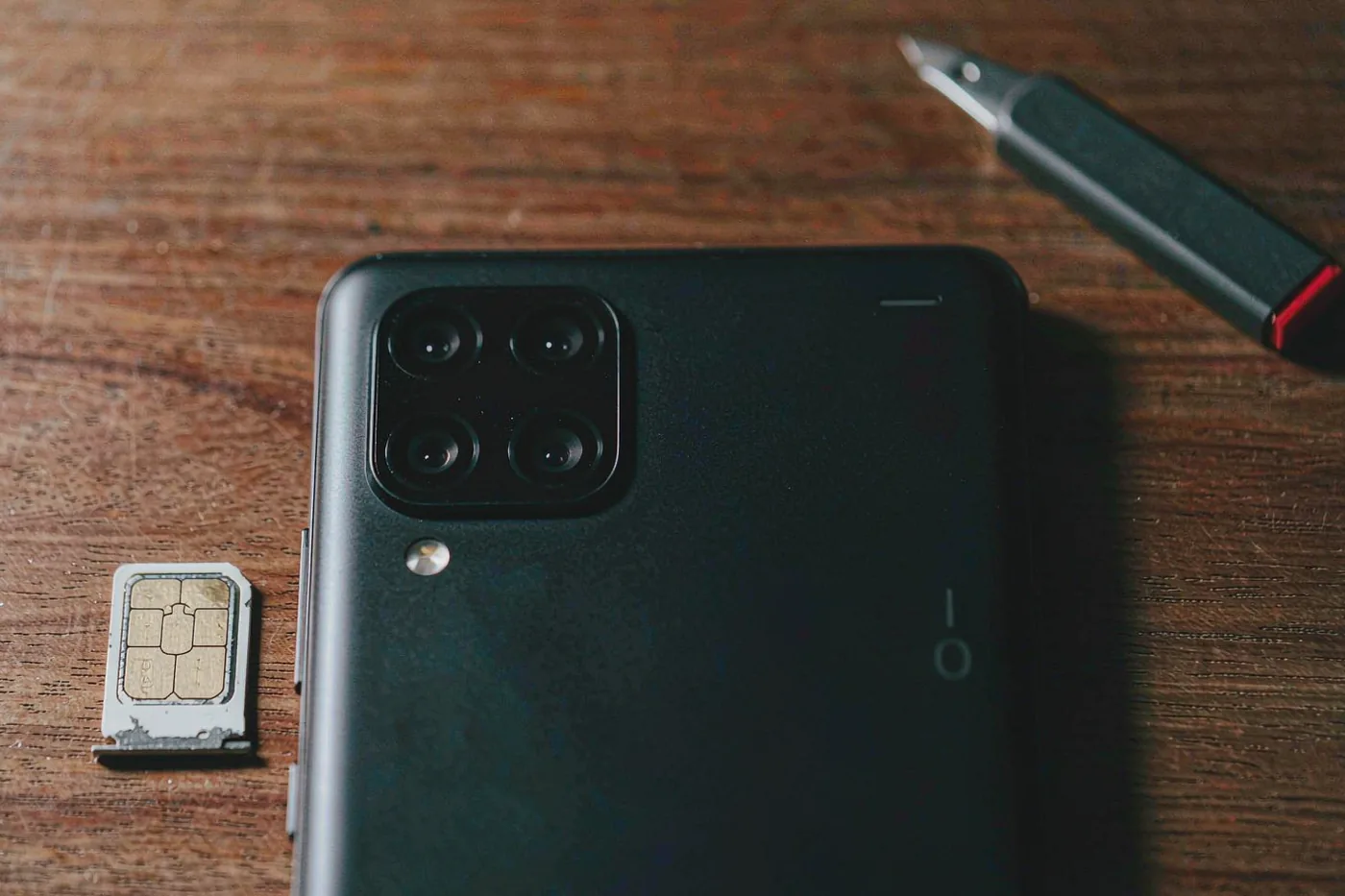
This is the standard solution for phones without eSIM, and in China it's refreshingly easy. Major carriers — China Mobile, China Unicom, and China Telecom — sell prepaid tourist SIMs with generous data allowances, typically for well under 100 CNY (roughly 15 USD) for a multi-week package. You will need your passport, as SIM registration is mandatory. Airport counters at Beijing Capital (PEK) and Beijing Daxing (PKX) sell them, as do carrier service halls and many electronics malls. Note that tourist SIMs sold in China connect to the domestic internet, which means you'll need workarounds for apps like WhatsApp, Instagram, and Google Maps — see the VPN note below. Prices and packages change often, so confirm current offers on arrival. [verify before travel]

  • Bring your passport — Real-name registration is legally required for all SIM cards in China. No passport, no SIM. [verify before travel]
  • Where to buy — Airport arrival halls, carrier stores, and authorized resellers. Airport prices can be slightly higher than city stores but save time. [verify before travel]
  • Ask about data-only vs. calls — Tourist packages vary; make sure you get what you need for the length of your stay. [verify before travel]

Option 2: International Roaming and Pocket Wi-Fi

If you'd rather not fiddle with SIM trays, roaming is the simplest — and priciest — route. Before departure, ask your home carrier about a China roaming package; many US, UK, and EU carriers offer daily or weekly passes. When roaming on a foreign SIM, your data traffic routes through your home network, so apps like Google, WhatsApp, and Instagram generally work without extra setup — a genuine convenience many travelers don't realize. Pocket Wi-Fi rentals, bookable online for pickup at Chinese airports, are another option for groups, though renting a device for 100–200 CNY (about 15–30 USD) per week adds up. Compare all costs before you commit. [verify before travel]

  • Roaming keeps your apps working — Because roaming traffic exits through your home carrier, blocked services usually function normally. Check your carrier's China rates first — roaming without a package can be very expensive. [verify before travel]
  • Pocket Wi-Fi — Shareable across several devices and good for families, but it's one more gadget to charge and carry. [verify before travel]

Beijing Capital International Airport (PEK) SIM Counters

If you land at Capital Airport, carrier counters in the arrival halls of Terminal 3 sell prepaid SIMs and can register them with your passport on the spot. Staff usually speak basic English and can help set up your phone. Counters are open broadly aligned with international flight schedules, but confirm hours for your arrival time, especially on late-night landings. [verify before travel]

Metro
Capital Airport Express line; confirm current stops and transfer points [verify before travel]
Opening hours
Counter hours vary by terminal; aligned with flight arrivals [verify before travel]
Tickets
Tourist SIM packages commonly from around 50–150 CNY (about 8–22 USD) depending on data and validity [verify before travel]
How long
Allow 15–30 minutes for purchase and setup

Beijing Daxing International Airport (PKX) SIM Counters

Daxing, the newer and architecturally striking airport south of the city, also has carrier counters in its arrival areas selling tourist SIMs with passport registration. It serves many international routes, so check which airport your flight uses before deciding where to buy. [verify before travel]

Metro
Daxing Airport Express line; confirm current station and transfers [verify before travel]
Opening hours
Aligned with flight schedules; confirm for late arrivals [verify before travel]
Tickets
Prepaid packages vary by carrier and data volume [verify before travel]
How long
15–30 minutes including setup

Hotel Wi-Fi as Your Backup

Virtually all mid-range and upscale Beijing hotels offer free Wi-Fi, and international chains typically provide unrestricted access to Western apps and sites through their business-grade connections. Treat hotel Wi-Fi as a reliable fallback rather than your primary connection, and set up your SIM on day one so you're not stranded without maps or messaging. [verify before travel]

Metro
Not applicable
Opening hours
Available around the clock
Tickets
Free at most hotels; confirm with yours [verify before travel]
How long
Setup takes minutes

Related Beijing guides

If you found this useful, these cover the next question most visitors ask:

Essential Tips for Getting Online in Beijing

  • Sort connectivity before you need it — Set up your SIM or roaming package at the airport, not when you're lost. Download offline maps of Beijing in advance as insurance. [verify before travel]
  • Understand app availability — On a Chinese SIM, Google services, WhatsApp, Instagram, and many Western apps don't work. WeChat and Alipay are essential for payments and daily life — install and register before departure. [verify before travel]
  • VPN rules — Many travelers use VPNs on a Chinese SIM. VPN legality and availability change; research current conditions and set up any service before arrival, since VPN sites are hard to reach from inside China. [verify before travel]
  • Keep your US/UK/EU SIM as backup — A dual-SIM OnePlus can hold a Chinese physical SIM and your home SIM simultaneously — useful for receiving banking verification texts. [verify before travel]
  • Power banks and sockets — China uses 220V power with Type A, C, and I sockets; bring an adapter. Capture-and-go navigation drains batteries fast. [verify before travel]
← All Beijing Guides
BOOK NOW